
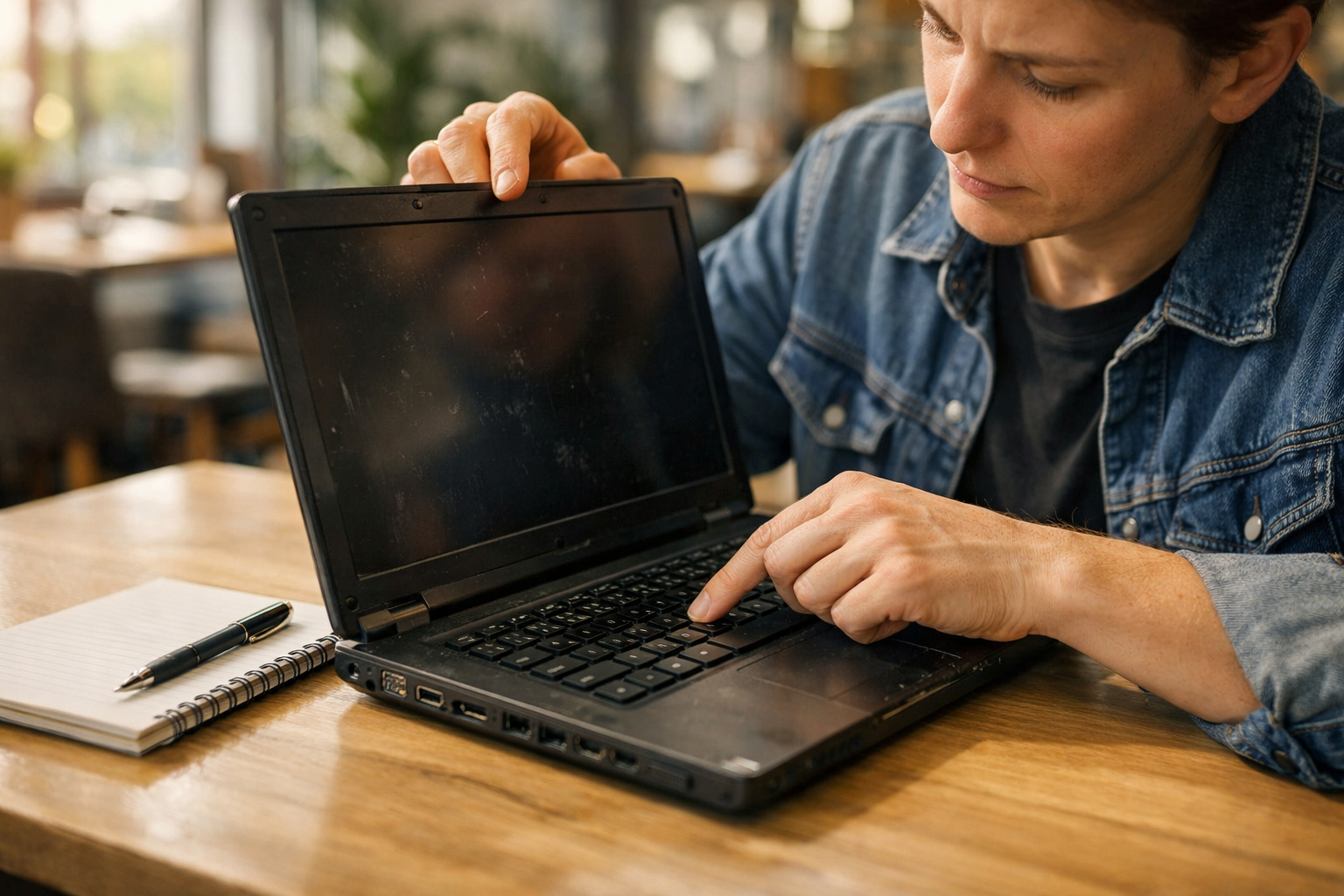
Buying a Second-Hand Laptop? Read This First
Buying a second-hand laptop is one of the smartest money decisions you can make in 2026 — but only if you know exactly what to look for before handing over your money. A good used laptop can save you hundreds of dollars or euros compared to buying new, while delivering the same performance for everyday tasks like working from home, studying, browsing, and streaming. The market for pre-owned laptops has never been larger, and quality second-hand machines from brands like Dell, Lenovo, Apple, and HP are genuinely available at prices that make the decision compelling.
This is because purchasing a pre-owned computer without a set of specific checks could turn out to be a risky venture. There could be some underlying defects in the computer such as a faulty battery, screen hinge, hard drive or an unauthorized OS which may not necessarily be obvious from the pictures in the listing. PCWorld.com gives a buyer’s guide of pre-owned computers and it is indicated therein that many consumers would have avoided making unnecessary errors if they had known what tests to carry out before buying.
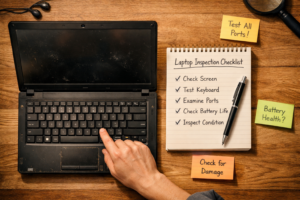
This comprehensive guide provides all the information you should look for before purchasing a used laptop. From checking out its condition to verifying the software and buying from the right place, we got it all covered for you here to save you from making any big mistakes.
Physical Condition — What to Check Before Anything Else
The condition of a used laptop gives you a lot of insight into how it was handled over time. Even before testing any software on the computer, just by looking at its physical condition you can see where problems lie.
Inspect the Body, Hinges, and Overall Build Quality
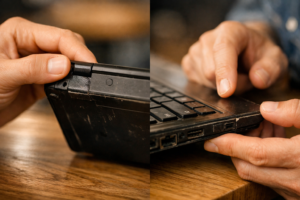
The inspection should begin with a thorough examination of the entire outer casing of the laptop. The first five factors from the nine-point checklist published by Medium when it comes to buying a used laptop should be noted here, namely scratches, cracks, dents, worn-out rubber feet, and faulty hinges, among others. A laptop that shows signs of damage to the outer case of the laptop has most likely undergone a fall – even though internal damage may not be visible straight away. Try opening and closing the laptop’s lid several times.
Examine the Screen for Dead Pixels and Backlight Issues
The screen is one of the most crucial parts as well as the most expensive part of a laptop. Make a white background screen using a blank document or web page, and scan it carefully to locate any dead pixels, which will be black or colored dots on your screen and will remain constant. In addition to the above tests, there could be backlight bleed, and this will look like patches of light coming from your screen’s edges, particularly in dark areas. Yellowing is another sign to consider and is included in Lenovo’s tips for second-hand purchases.
Test Every Key on the Keyboard and the Touchpad
A keyboard that doesn’t work well or a touchpad that is not responsive is an issue that we often take for granted before we purchase it. Type all keys on your computer, from the number, letter, special keys, F1 to F12, and even the space bar, to ensure all keys can be registered properly. Push all the keys down firmly to make sure none of the keys are too soft, sticky, or movable. Try using your touchpad by placing your cursor to the very corner of your computer screen while using the left and right buttons.
Check All Ports and External Connections
Each port in a used laptop should receive some physical testing before purchase. Plug any device to all the USB ports to ensure that they are recognized by the system. Check the earphone port using earphones. If the laptop has an SD card port, plug in an SD card to see whether the computer reads it properly. Take special care when checking the charging port; loose charging points often lead to problems in used laptops and can cost much money to fix. According to Lenovo’s buyer’s guide, one should also test the WiFi and Bluetooth ports through network connections to a device.
Hardware Specifications — What the Numbers Actually Mean
Having knowledge about the innards of the secondhand laptop that you have purchased will determine its ability to function efficiently and effectively. This information helps you understand the speed and capability of your computer.
Processor — The Most Important Specification to Check
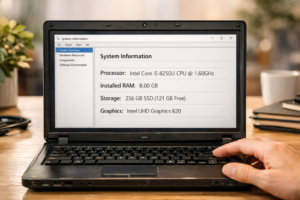
The CPU or central processing unit affects the performance of the laptop as it will determine how fast the laptop responds to your various inputs. When it comes to a normal use case in 2026, the D-Best Technologies’ used laptop buying guide suggests that you should consider at least Intel Core i5, AMD Ryzen 5, or Apple M1 processor on board. Old processors like Intel Core i3 or AMD’s A series processor will be inadequate when it comes to surfing through webpages or making video calls. You must always be keen about the version of the CPU as fourth-generation Intel i5 works much slower than eighth-generation i5 processors.
RAM — The Minimum You Should Accept in 2026
The amount of RAM decides the number of programs and web-browser tabs that one computer can run at the same time without any delay. It has been made clear by D-Best Technologies that the absolute minimum amount of RAM needed by the computer for general use in 2025 and 2026 is 8 GB, and anything above this (i.e., 16 GB or more) should be preferred if one makes use of video calls, spreadsheets, photographs, or many browser tabs. To find out the RAM of your laptop, all you need to do is open the system information panel.
Storage — Always Prioritise an SSD Over an HDD
The kind of storage that comes in a second-hand laptop has a tremendous influence on the daily performance of a laptop. Solid State Drive – SSD, is far much faster than the hard disk drive – HDD in any action, including booting up, launching applications, and opening files. In the check-list provided by D-Best Technologies, the buyer should find out whether the used laptop has a solid-state drive storage with capacity of 256GB or more. If the used laptop has an HDD, it is likely to be too slow even when it has a powerful processor and adequate RAM.
Run a Free Benchmark Test to Verify Real Performance
Checking out the specs alone from the ad won’t help; the surefire way to confirm whether the hardware works according to the seller’s claims would be to conduct a benchmark test firsthand prior to purchasing the computer. The MakeUseOf step-by-step guide on how to test used Windows laptops suggests using the following free benchmarking tools such as UserBenchmark and CrystalDiskMark, which can all be downloaded for free. While the former tests the processing power and RAM performance of the computer while comparing them with other units of the same model, the latter measures the reading and writing speed of the hard drive.
Battery Health, Software Integrity, and Hidden Faults
Beyond physical condition and specifications, two areas that buyers most commonly overlook are battery health and software integrity. Both can cause significant problems long after the purchase is complete.
Check Battery Health Before You Agree to Any Price
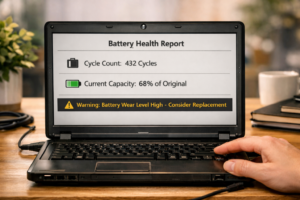
Battery replacement is a very frequent and a very annoying problem for used laptops consumers to face within the first few days after their purchase. On Windows-based laptops, the entire process of creating a battery health status report is absolutely free and can be done within less than two minutes. One must run Command Prompt with administrative privileges and type “powercfg /batteryreport.” After running, the report displays how much battery power it currently holds compared to its initial design capacity. D-Best Technologies suggests that buyers should seek batteries holding at least 80 percent of their initial power.
Verify the Operating System Is Genuine and Licensed
Another concern when purchasing a used laptop with a pirated or unauthorized copy of Windows is that you have an immediate issue on your hands and one that will stick with you for as long as you use the machine. Unauthorized installations come with continuous activation prompts, don’t get any important security patches, and are known to harbor malware installed along with the copy of the operating system by its creator. As stated by D-Best Technologies, it is essential to make sure the laptop has a legal copy of either Windows or macOS. In the case of Windows, check out the Windows settings under Activation and see if “Windows is activated” appears.
Run the Windows Memory Diagnostic Tool
Defective RAM is probably one of the most misleading issues because it causes erratic failures, hangs, and errors, which are very hard to pinpoint unless you conduct a particular test. According to the MakeUseOf guide on how to test your second-hand laptop, all you have to do is search for “Windows Memory Diagnostic” in the Start menu bar and execute the program, which will automatically perform a RAM test by restarting the laptop. All errors found during the RAM test show that the laptop has defective RAM modules, which is a major problem, either disqualifying it completely or making its price go down significantly.
Check for Overheating by Stressing the System
One such problem could be the hidden problem of overheating, which may result in the computer slowing down its work, shutting off, or even breaking after just a couple of months since its purchase. This condition is normally caused by either excessive dust buildup in the cooling system or a completely dried out layer of thermal paste between the processor and the heat sink, which is typical for used computers. In order to check for this, operate the laptop while it works hard – play videos, conduct tests, or launch many programs at once – and pay attention to the noise coming from the computer’s fan.
Where to Buy, What to Pay, and Red Flags to Avoid
But it’s not enough just knowing what to look for. You also need to know where to get it from, how to properly price a second-hand laptop, and what the danger signs are when buying.
Certified Refurbished Is the Safest Option for Most Buyers
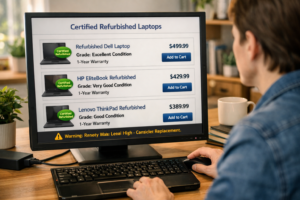
The best way to purchase a used laptop computer, especially for those lacking technical skills, would be to use the services of a certified refurbished program. Most of the major manufacturers, such as Apple, Dell, and Lenovo have their own refurbished store outlets. These companies test the used computer products before selling them. According to the guidelines issued by Lenovo on purchasing used computer systems, buyers should go for the certified refurbished option for safety. Although these computers cost more than used personal sales, their warranties make them a good choice for buyers concerned about safety issues.
Private Listings — What to Check and What to Demand
Making purchases from a private individual using marketplaces such as eBay, Craigslist, Facebook Marketplace or Gumtree in the UK could result in a truly great deal – although it will demand more effort. Make sure that you always ask for the opportunity to check out the laptop personally before any payment is made. Do not make payments until you have taken possession of the laptop yourself. According to PCWorld, when trying to avoid buying a bad used laptop, the best advice is always the most straightforward one: if the deal seems too good to be true, then it probably is. Extremely cheap prices usually indicate some kind of hidden problem or worst-case scenario – stolen laptops.
How to Price a Second-Hand Laptop Fairly
Determining an appropriate pricing strategy for a second-hand laptop means finding out how much the laptop was initially priced at when brand new and making adjustments based on its age, condition, and specs. A common practice according to consumer technology guides is that the price of a good quality second-hand laptop should range from 40% to 60% of the initial price after two to three years. In case the laptop is more than five years old, the price should not exceed 30% of the initial price unless upgrades such as adding more RAM or installing a new SSD have been done. You can get information on how to price your laptop from eBay by finding sales made for similar models.
Red Flags That Should Make You Walk Away Immediately
There are several red flags that, when present during the examination of a used laptop, mean the deal cannot proceed further. PC World highlights them as follows: reluctance by the seller to allow an on-site evaluation of the computer, the inability of the laptop to start while being evaluated, the absence of a valid serial number for the computer in the advertisement, presence of dead pixels or backlight leakage on the computer’s screen, discharge of the battery from a fully charged state to zero within one hour of regular use, or claims by the seller that the laptop “just needs a software repair”.
Frequently Asked Questions About Buying a Second-Hand Laptop (FAQ)
Is buying a second-hand laptop worth it in 2026?
Absolutely! Most often, buying a used laptop makes much sense and gives great return on investment. Indeed, a decent three-year-old machine from an established manufacturer will cope with any daily routines brilliantly while costing you just a small part of the initial amount.
What is the minimum RAM I should accept in a used laptop?
8GB should be the least required by any individual when using a computer in 2026, as per the user guidelines issued by both D-Best Technologies and Lenovo. In case one uses the computer for multitasking or video conferencing, one should opt for a computer with 16GB of RAM.
How do I check if a second-hand laptop has been reported stolen?
In the United States, one can compare their laptop serial numbers with online databases such as Stolen Phone Checker or even inquire from the laptop manufacturer. In the United Kingdom, CheckMEND remains the popular choice. It’s always advisable to request the seller provide evidence of the laptop’s purchase.
Should I factory reset a second-hand laptop after buying it?
Absolutely yes. According to D-Best Technologies and MakeUseOf websites, it is imperative that right after purchase, the device undergoes a thorough factory reset together with a new operating system installation. In doing so, all traces of applications, files, monitoring programs, or any other potentially dangerous elements put there by the previous user will be completely wiped out.
Conclusion: A Smart Inspection Makes All the Difference
Owning a second-hand laptop is an amazing decision to make when one wants to purchase a reliable computer at a reduced cost, but there is so much that can be made or marred by simply doing some due diligence on various issues before making the transaction; things that determine whether it will be a good deal or not include the following.
Give yourself enough time to examine, conduct the free diagnostics, ask all the necessary questions, and move on when something doesn’t seem quite right. There is a perfectly good used laptop for you — and with this list of things to remember at your disposal, you are prepared to make the right decision.