
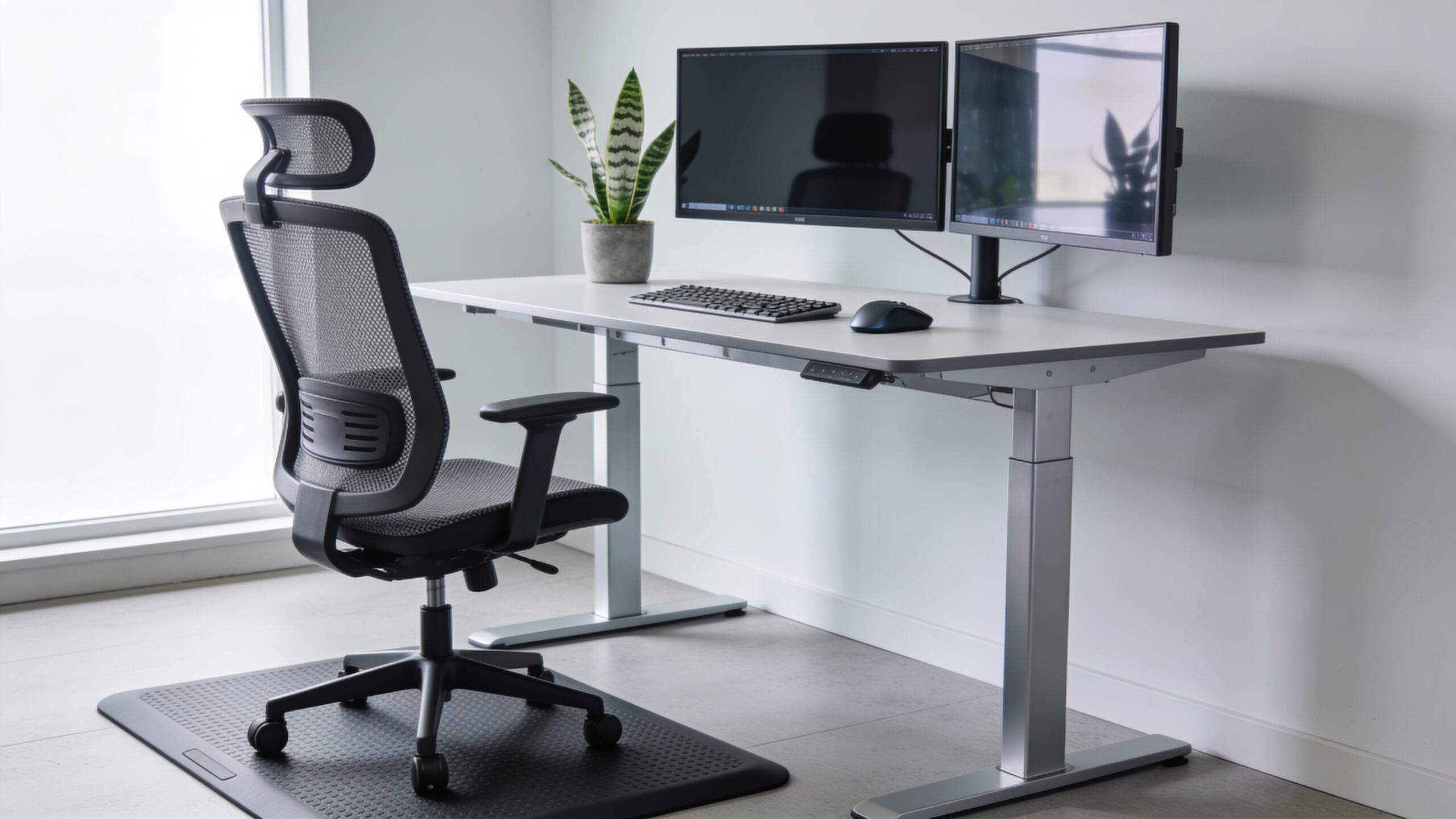
How to Choose an Ergonomic Office Chair for Back Pain
When you spend eight to ten hours a day sitting at a desk, your seating choice directly affects your physical health, mental focus, and long-term spinal integrity. Learning how to choose an ergonomic office chair for back pain is not merely a matter of buying luxury office furniture; it is a critical health investment that prevents chronic musculoskeletal injuries, reduces sick leave, and keeps you productive throughout your work week.
Most standard desk chairs force your body into awkward, unnatural angles that flatten your spine’s natural curve, strain your lower back, and restrict blood flow across your legs. By selecting an adjustable, scientifically designed task chair, you actively support your body’s natural posture, relieve pressure on your intervertebral discs, and eliminate the dull ache that creeps into your lower back by late afternoon.
Lumbar Support Mechanisms and Lower Back Protection
Selecting a chair with effective lumbar support is the most vital step when learning how to choose an ergonomic office chair for back pain and long-term spinal protection. Proper lower back support maintains the inward curve of your lumbar spine, preventing slumping and taking the load off your lower back muscles during long shifts.
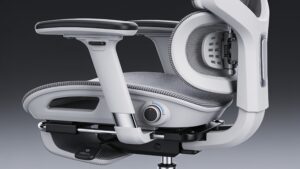
Height-Adjustable Lumbar Support Mechanisms
A height-adjustable lumbar mechanism allows you to slide the back support up or down until it fits into the curve of your lower back. Positioned correctly near the beltline, this feature prevents slouching, stabilizes your pelvis, and reduces pressure on your lower lumbar discs throughout long, demanding workdays.
Depth-Adjustable Lower Back Control Options
Depth adjustment lets you control how firmly the lumbar cushion pushes against your lower back. Fine-tuning this tension prevents two common issues: insufficient support that causes your spine to collapse forward, and excessive pressure that pushes your lower spine out of its natural, healthy alignment while seated at your desk.
Dynamic Contour and Flexible Backrest Tracking
Advanced ergonomic chairs feature dynamic lumbar systems that pivot and adjust automatically as you shift, lean, or recline. This continuous support ensures that your lower spine remains protected even during active movement, preventing sudden muscle strain and maintaining steady blood circulation across your lumbar region.
Breathable Mesh Versus High-Density Foam Construction
Choosing between breathable mesh and high-density foam lumbar support depends on your personal comfort preferences and working environment. High-grade mesh contours evenly to your body while releasing heat, whereas firm, contoured foam provides solid, predictable reinforcement for people who need rigid lower back structure.
Seat Pan Engineering and Pressure Distribution
The seat pan supports your body weight and determines how your lower body aligns with your spine. An incorrectly sized seat pan cuts off blood flow, places heavy pressure on your tailbone, and forces your lower back to bend out of shape, worsening chronic posture problems.
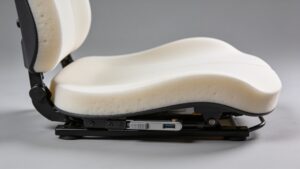
Seat Depth Adjustment and Popliteal Space Clearance
A seat depth slider moves the seat cushion forward or backward relative to the backrest. Leaving a gap of two to three fingers between the front edge of the seat and the back of your knees prevents blood vessel compression, encourages healthy leg circulation, and keeps your lower back firmly supported.
Waterfall Front Edge Design for Femoral Pressure
Chairs built with a downward-curving waterfall front edge reduce pressure on the undersides of your thighs. This contour prevents numbing in your legs, keeps your sciatic nerve free from pinch points, and allows smooth blood flow from your hips down to your feet during long hours of focused work.
High-Density Cold-Cured Foam Cushion Material
Cold-cured foam cushions offer long-lasting support by distributing your weight evenly across the entire seat surface. Unlike cheap soft foam that flattens out over time, high-density foam keeps its shape for years, preventing your pelvic bones from bottoming out against the hard frame underneath the seat.
Seat Width Dimensions and Balanced Weight Distribution
A broad, slightly contoured seat pan provides ample room for movement without squeezing your hips against the armrest supports. Proper seat width prevents awkward weight shifting, keeps your hips level, and ensures your pelvis stays balanced, which stops uneven stress from pulling on your lower back muscles.
Recline Functionality and Dynamic Spine Movement
Sitting completely still in a rigid vertical position strains your spinal discs and tires out your core muscles over time. Dynamic recline features let you move naturally, opening up your hip angle, easing pressure on your spine, and keeping blood moving while you work.
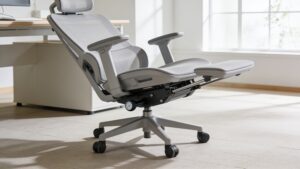
Synchro-Tilt Recline Mechanism Functionality
A synchro-tilt mechanism reclines the backrest at a two-to-one ratio relative to the seat cushion. As you lean back, the seat tilts slightly upward, keeping your feet planted on the floor, your eyes level with your monitor, and your spine in a comfortable, relaxed position.
Adjustable Tilt Tension Regulation Controls
Adjustable tilt tension controls how much effort it takes to lean back in your chair. Setting the resistance to match your body weight allows you to recline smoothly without feeling like you are falling backward or fighting against a stiff backrest that pushes you forward.
Forward Seat Tilt for Active Working Postures
Forward seat tilt tilts the seat pan a few degrees down at the front, opening your hip angle past ninety degrees. This position helps maintain the natural inward curve of your lower back when leaning forward to type, taking pressure off your lumbar discs during intense computer work.
Weight-Activated Automatic Movement Systems
Modern high-end task chairs use weight-activated mechanisms that automatically balance recline resistance based on your body mass. This design eliminates manual knob adjustments, providing smooth support and dynamic movement whenever you lean, shift, or change sitting positions throughout the day.
Armrest Adjustability and Upper Body Load Relief
While lower back support gets most of the attention, upper body support systems are just as important for protecting your spine. Adjustable armrests and headrests support the weight of your arms and head, taking strain off your neck, shoulders, and upper back muscles.
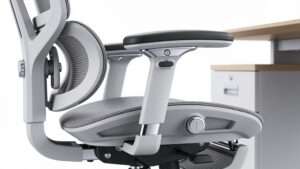
4D Adjustable Armrests for Forearm Support
Four-dimensional armrests adjust for height, depth, width, and pivot angle to support your forearms comfortably. Proper arm positioning keeps your elbows bent at a relaxed ninety-degree angle, taking the weight of your arms off your shoulders and preventing upper back tension that radiates down your spine.
Height and Angle-Adjustable Headrest Support
An adjustable headrest supports the base of your skull when you lean back to read or review documents. Proper neck support keeps your head aligned over your shoulders, preventing forward head posture that puts heavy strain on your neck and upper spine during long work sessions.
Backrest Height Adjustability and Torso Alignment
A height-adjustable backrest lets you raise or lower the entire chair back to match your torso length. Correct positioning ensures that the built-in lumbar curve and upper back contours line up with your spine, giving you complete back support from your hips up to your shoulders.
Flexible Backrest Frames for Lateral Reach
Chairs designed with flexible backrest frames allow your upper body to twist and reach side-to-side comfortably. This lateral flex keeps your spine moving naturally, preventing stiffness and relieving muscle strain when reaching for items across your desk or talking to nearby coworkers.
Construction Quality, Testing Standards, and Materials
A chair’s ergonomic features are only as effective as the underlying build quality and durability of its components. Selecting a certified, well-constructed chair ensures that adjustment mechanisms operate smoothly and support your spine consistently over years of daily use.
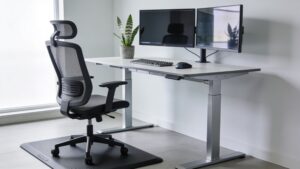
BIFMA Safety and Durability Standards Compliance
Chairs tested under BIFMA (Business and Institutional Furniture Manufacturers Association) standards undergo heavy load testing to verify frame strength and mechanism longevity. Choosing a BIFMA-certified chair guarantees that the tilt locks, gas lifts, and backrest supports remain stable under daily pressure.
Base Five-Star Wheel Assembly and Mobility
A sturdy five-star base with smooth-rolling casters keeps your seating setup stable and easy to move across your workspace. Proper wheel mobility lets you glide closer to your desk without reaching or straining your back muscles unnecessarily throughout the day.
Pneumatic Gas Lift Height Adjustment Reliability
A reliable Class 4 pneumatic cylinder allows you to adjust seat height quickly so your feet rest flat on the floor. Setting the correct seat height prevents pressure on your thigh muscles and keeps your hips slightly above your knees to support healthy pelvic alignment.
Upholstery Fabric Quality and Maintenance
Durable, high-grade upholstery fabric resists wear while allowing air to circulate around your body during long work hours. Quality fabrics keep you comfortable, prevent overheating, and maintain their shape so the cushioning underneath continues to provide stable spinal support over time.
Frequently Asked Questions (FAQ)
What is the single most important feature when learning how to choose an ergonomic office chair for back pain?
Adjustable lumbar support is the most critical feature. It reinforces the natural inward curve of your lower spine (the lumbar lordosis), keeping your pelvis stable and preventing slouching that strains intervertebral discs during extended sitting hours.
Is a mesh chair or a padded foam chair better for lower back pain?
Both offer distinct benefits depending on your needs. High-grade mesh provides even weight distribution, active contouring, and continuous airflow to prevent heat buildup. Cold-cured, high-density foam offers firm, consistent structural support that maintains its shape over years without flattening out.
How far should my seat pan extend under my thighs?
Your seat cushion should support roughly three-quarters of your thighs while leaving a gap of two to three fingers (about 0.5 to 2 inches) between the front edge of the seat and the back of your knees. This gap prevents compression of blood vessels and nerves behind the knees.
Does reclining actually help reduce lower back pain?
Yes. Sitting at a slight recline of 100 to 110 degrees opens up your hip angle and significantly lowers intervertebral disc pressure compared to sitting at a rigid 90-degree upright posture. Synchro-tilt mechanisms maintain this dynamic balance smoothly.
Final Conclusion
Learning how to choose an ergonomic office chair for back pain is ultimately an investment in your long-term health, daily focus, and work-life vitality. A truly effective task chair goes beyond aesthetic appeal and basic height adjustments—it acts as a dynamic support platform that mirrors your body’s natural movement and anatomical structure.
By prioritizing adjustable lumbar support, seat depth sliders, synchro-tilt recline mechanisms, and multi-directional armrests, you actively safeguard your spine against chronic strain. Remember that even the finest ergonomic chair works best when combined with healthy workspace habits—such as taking short walking breaks every 45 to 60 minutes and maintaining an aligned monitor and desk height. Choosing the right seat today sets the foundation for a pain-free, highly productive workspace for years to come.