
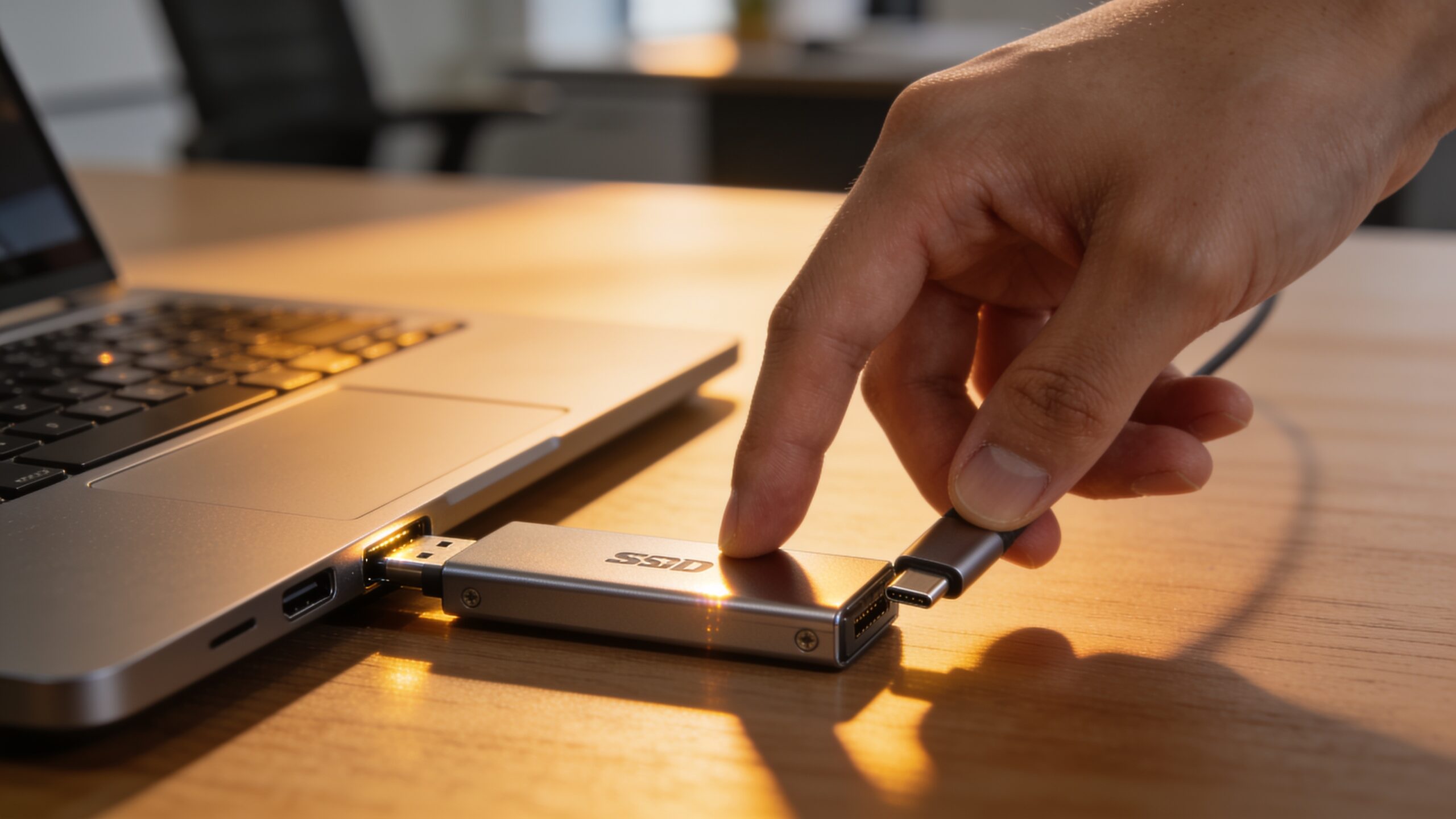
Best Portable SSDs in 2026: 5 Real Picks Worth Buying
A portable SSD used to be a nice-to-have for professional video editors. In 2026, it’s closer to a necessity for anyone who shoots 4K video on their phone, edits photos, games on a console with limited internal storage, or just wants backups that don’t depend on a laptop’s built-in drive filling up. The category has also gotten genuinely confusing, with nearly identical-sounding speed claims across a dozen competing brands, and marketing copy that rarely explains which numbers actually matter for how you’ll use the drive day to day.
Here’s a breakdown of five portable SSDs actually worth considering in 2026, what separates them, and what specs are worth paying attention to versus which ones are mostly marketing noise.
What Actually Matters When Choosing One
Before getting into specific picks, it helps to know which specs genuinely affect real-world use.
Interface Speed Only Matters If Your Device Can Use It
The fastest drives on the market now claim up to 2,000 MB/s using USB 3.2 Gen 2×2, but that speed only shows up in practice if the computer or phone you’re plugging into also supports that exact standard. Many laptops, especially older ones, only support the slower USB 3.2 Gen 2 standard at roughly half that speed — meaning a $300 “fastest drive available” purchase can end up performing identically to a $150 drive if your device’s port is the actual bottleneck. A quick way to check: look up your laptop or phone’s exact port specification (most manufacturers list it as “USB 3.2 Gen 1,” “Gen 2,” or “Gen 2×2,” sometimes alongside a Gbps figure like 5, 10, or 20) before comparing drives, rather than assuming any USB-C port automatically supports the fastest available speed.
Durability Ratings Are Worth Taking Seriously
IP ratings indicate real, tested protection — an IP55 rating means meaningful dust and water resistance, while IP65 goes a step further. Drop ratings, usually listed in feet or meters, indicate the height a drive has been tested to survive without data loss. For anyone who travels with a drive in a bag rather than keeping it permanently on a desk, these ratings are a genuinely useful way to avoid a drive failure at the worst possible moment.
Price Per Terabyte Is the Fairest Way to Compare
Because capacities range from 500GB to 4TB across this category, comparing raw price between two drives can be misleading. Dividing total price by storage capacity gives a cleaner apples-to-apples comparison, and it’s usually the better number to base a decision on rather than sticker price alone.
The 5 Best Portable SSDs Worth Buying
Each of these earns its place for a different reason, depending on what you actually need the drive to do.

Best Overall: Samsung T9
The Samsung T9 delivers a genuine 2,000 MB/s read and write speed over USB 3.2 Gen 2×2, backed by a 3-to-5-year warranty depending on retailer, and broad compatibility across Windows, Mac, Android, and PS5. Pricing runs from around $130 for a 1TB model up toward $945 at the 4TB tier, and its rubber-bumper build strikes a reasonable middle ground on durability without going as heavy-duty as a fully ruggedized drive. For anyone with a newer laptop or phone that can actually take advantage of that speed, it’s the most complete option on the market — fast, reliable, and pocketable.
Best Rugged Pick: Samsung T7 Shield
The T7 Shield trades a bit of top-end speed (1,050 MB/s rather than 2,000) for meaningfully better physical durability: an IP65 rating and a rubberized body built to survive drops and rough handling. For anyone who travels frequently, works outdoors, or just tends to be hard on their gear, that trade-off is usually the right one — the difference between 1,050 MB/s and 2,000 MB/s is barely noticeable in daily use, while a cracked or waterlogged drive is a real problem.
Best Budget Pick: Crucial X9 Pro
The Crucial X9 Pro consistently undercuts Samsung and SanDisk on price — often landing around $79-159 depending on capacity — while matching their IP55 rating and delivering the same 1,050 MB/s speeds as drives costing significantly more. It also weighs under 40 grams, among the lightest drives in this entire category, and ships with 256-bit hardware encryption built in. Crucial is a Micron brand, meaning it manufactures its own NAND flash memory rather than sourcing it from a third party — a detail that matters for long-term reliability even at a lower price point. For most people who don’t need the absolute fastest drive available, this is the best value in the category.
Best for Content Creators: SanDisk Extreme Pro V2
For video editors and photographers working with large 4K or 8K files, the SanDisk Extreme Pro V2 delivers genuine 2,000 MB/s speeds over USB 3.2 Gen 2×2, paired with IP55 water and dust resistance and an aluminum heatsink to manage heat during long, sustained transfers. It’s built specifically for people who need to edit directly off the drive without dropped frames, rather than just moving occasional files back and forth — though it’s worth remembering the same interface-bottleneck caveat covered earlier, since that top-end speed only shows up when your computer’s port actually supports the full 20 Gbps standard.
Best for Consoles: WD My Passport SSD
The WD My Passport SSD is built with console compatibility as a priority, offering 1,050 MB/s NVMe speeds along with hardware encryption for anyone storing sensitive files. It works well as PS5 or Xbox expandable storage in addition to standard computer use, making it a solid pick for anyone splitting a drive’s use between gaming and general file backup.
Common Buying Mistakes to Avoid
A few small missteps account for most of the regret people report after buying a portable SSD.
Paying for Speed You Can’t Actually Use
As covered above, buying the fastest drive on the market only makes sense if the device you’re plugging it into supports that same speed standard. Checking your laptop or phone’s actual USB specification before comparing drives avoids overpaying for a theoretical maximum you’ll never see in practice.
Ignoring Real-World Review Volume
A drive with a 4.7-star rating and 50 reviews is a much bigger gamble than one with a 4.6-star rating and 7,000-plus reviews. Reliability issues, particularly with NAND flash memory degrading over time, often only show up in aggregate review data once enough people have used a drive for a year or more — early ratings simply can’t capture that. Established brands with thousands of reviews across multiple product generations, like the ones featured in this guide, have effectively already been through that stress test.
Skipping the Warranty Comparison
Warranty length varies more than people expect in this category, ranging from three to five years depending on brand and model. Since a portable SSD holds irreplaceable files rather than just being a convenience item, a longer warranty is a reasonable tiebreaker between two otherwise similar drives, even if it adds a small amount to the upfront price.
Which One Should You Actually Buy?
For most people who just want reliable backup and file transfer without overthinking it, the Crucial X9 Pro or Samsung T7 Shield are the safest picks — fast enough for virtually any real-world task, durable, and reasonably priced. Content creators working with large video files should prioritize the SanDisk Extreme Pro V2 or Samsung T9 specifically for their higher sustained transfer speeds, but only after confirming their computer’s port actually supports the faster standard. Console gamers splitting storage between a PS5 or Xbox and a computer are best served by the WD My Passport SSD’s console-specific compatibility and built-in encryption. None of these five is a wrong choice — the right one comes down to matching the drive’s actual strengths to what you’ll realistically be using it for day to day, rather than defaulting to whichever number on the box looks the biggest.