
Is It Safe to Use Public WiFi? What You Need to Know
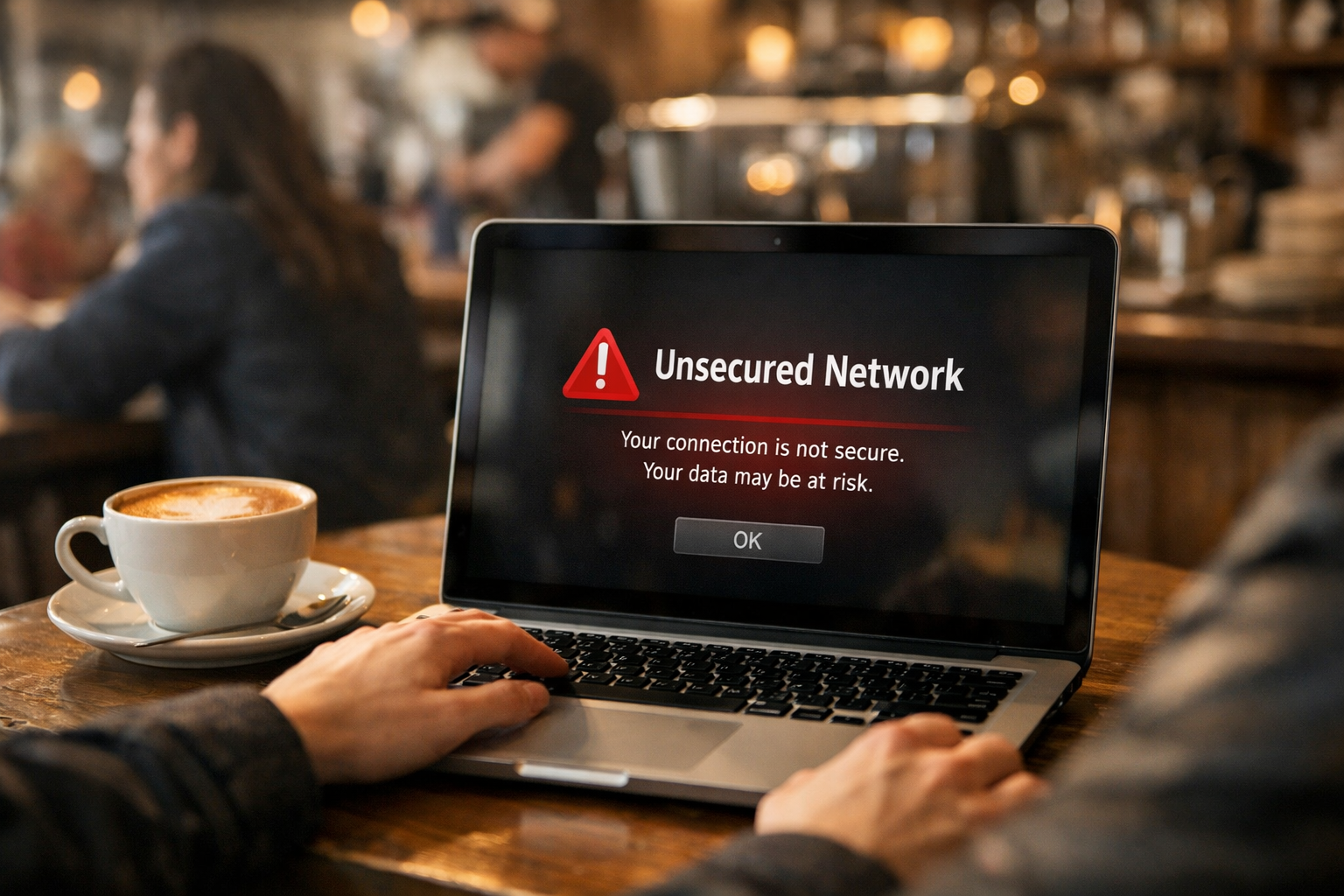
Can using public Wi-Fi networks be considered safe? This is definitely one of those questions that everyone owning a smartphone or a computer ought to be asking today – particularly in 2026, when free Wi-Fi hot spots can be found literally everywhere from cafes to airports, hotels to shopping centers in both the USA and Europe. But just how safe is it really to use such public networks?
Based on a survey carried out in 2025 by Panda Security involving 1,014 American adults, 66.5% of them claim that they worry about the safety of public WiFi; however, almost one out of every four uses public WiFi without any safety protocols, such as a virtual private network (VPN) or any antivirus software. According to another study carried out by Forbes Advisor, 40% of tourists were exposed to cybersecurity threats when they used public WiFi networks. This is no small percentage, as these people lost all their passwords, bank information, and personal data.
Fortunately, public Wi-Fi doesn’t need to be a risk — if you understand the dangers involved and how to prevent them. All the information about the issue is laid out comprehensively for you here in this guide, using clear language throughout.
The Real Risks of Public WiFi You Should Know
The risks associated with public WiFi networks are unique to the network itself, and it is quite different compared to the network you have at home. You must know what hackers are capable of doing.

Man-in-the-Middle Attacks — The Most Common Threat
The most common threat associated with free WiFi is the man-in-the-middle attack. As reported by NordVPN and GlassWire’s 2025 cybersecurity study, the attacker sits between your computer and the WiFi hotspot, spying on all traffic flowing from one side to the other. All your passwords, emails, banking information, and private conversations are open for viewing, and you will never know this is going on. It seems like a completely normal and harmless connection from your perspective. What makes MITM attacks even more menacing is how simple they are to carry out.
Evil Twin Hotspots — Fake Networks That Look Real
The evil twin network can be considered the most misleading WiFi danger posed to people. The hackers will set up their own wireless network and give it an almost similar name to the actual network, such as “Airport_Free_WiFi” or “CoffeeShop_Guest.” They’ll then watch for you to connect to this network, and after that, all your data will go through their hardware. NordVPN states that it’s virtually impossible to spot any difference between this and any other actual network without prior knowledge.
Packet Sniffing — Reading Your Data in Transit
The process of packet sniffing entails the utilization of software programs that are used for capturing and analyzing the information flowing through the network. When on an insecure public Wi-Fi network, a packet sniffer utilized by the hacker is able to view all unencrypted information transmitted by you, such as usernames, passwords, and unencrypted web pages using “http” instead of the secure “https.” The threat assessment conducted by GlassWire in 2025 indicates that even now there are many web sites that do not adequately encrypt their traffic. Cloudwards also states that packet sniffing is one of the three main hacking techniques used to obtain your data on free networks.
Malware Injection Through Shared Networks
WiFi connections can also be used as an avenue for distributing malicious software, which is termed as malware, on your device. As reported by NordVPN’s cybersecurity blog, hackers make use of software flaws in open WiFi connections to install the malware without any knowledge on your part. Malware can also be delivered via advertisements that show up when surfing. Upon installation, the hacker gets unrestricted access to your information and activities such as accessing your files, camera, or keystrokes even after disconnecting from the connection. Panda Security’s survey in 2025 revealed that almost 20% of Americans were victims of cybersecurity attacks using WiFi.
What the FTC and Cybersecurity Experts Actually Say
Many people assume public WiFi is entirely off-limits. The reality, according to official government guidance, is more nuanced — and more reassuring — than the worst-case headlines suggest.
The FTC’s Official Position on Public WiFi Safety
This position is taken by the Federal Trade Commission (FTC), which is one of the major consumer protection agencies in the USA. According to their consumer advice page, “the fact that many websites now utilize encryption means that using a public WiFi network will be safe in most cases.” Indeed, this aspect needs to be mentioned as another crucial and often underestimated one. HTTPS encryption has become popular enough to minimize the threats that were relevant ten years ago. Yet, one more thing should be done by people before making payments via a public network.
HTTPS Encryption — Your First Line of Defense
The first and foremost factor that needs to be considered before putting down any information on a site – regardless of whether you are using public Wi-Fi or not – is whether or not the website’s address starts with the letters “https”. This “s” in the abbreviation refers to secure, meaning that there is a cryptographic link between your browser and that site. As per State Farm’s advice on cybersecurity and the FTC, this cryptography ensures the security of all the information you put down on that particular website. It should be noted, however, that WaTech and the FBI have stated that cyber criminals are now developing fake sites using “https”.
What Activities Are Safe on Public WiFi?
Not all of your actions on the Internet will be equally dangerous. According to Norton’s cybersecurity research, there are some less risky tasks that can be performed on public Wi-Fi: reading articles, watching videos, navigating, looking for information about the weather, and browsing different web pages. In contrast, there are several more dangerous actions that should never be performed on public Wi-Fi. These include online banking transactions, providing credit card numbers, accessing work computers, and logging into email or social media accounts. The principle recommended by the FTC and Norton states that if your activity involves any type of confidential information, do not use public Wi-Fi.
Hotel and Airport WiFi — Are They Safer?
One common mistake travelers make is that they think WiFi at hotels is safer than that of a random café since one needs a password to access such WiFi. However, according to NordVPN, this assumption is incorrect as hotel WiFi poses just as much of a security threat as any other public network since it is used by multiple people at once and is prone to attacks, including MITM, packet sniffing, and evil twins. Airport WiFi is believed to be especially unsafe since there are multiple people connected and much valuable information can be found on business travelers’ devices. Webroot warns travelers against using public WiFi anywhere.
How to Protect Yourself on Public WiFi
The dangers that can arise from using public WiFi are definitely not imaginary, but they can be very easily controlled. There is a list of a few simple actions that can be done and, when followed, will protect you from almost all possible threats.
Use a VPN — The Most Effective Protection Available
Virtual Private Network (VPN) is the most powerful weapon that can be used to secure yourself on public WiFi. In its recommendations, WaTech states that “it is the safest way to ensure digital privacy on public WiFi.” By using a VPN, all data sent from or to your device is encrypted into an invisible tunnel through which a hacker cannot understand anything, even if he or she is trying to hack you. According to NordVPN’s recommendations, you should never use a free VPN because they may spy on their users or sell their data to a third party.
Turn Off Auto-Connect and File Sharing
Two of the device settings which most individuals fail to tinker with are actually the source of many weaknesses in public WiFi connections. The first one is auto connect to WiFi networks; in other words, the setting that prompts your phone or laptop to connect automatically to familiar WiFi names. According to the Tech Times Cybersecurity Guide of 2025, this setting will allow you to connect automatically to what is referred to as an “evil twin” WiFi network if it happens to have the same name as the one you have connected to in the past.
Enable Two-Factor Authentication on All Accounts
2FA provides an easy security measure that will keep your accounts safe, even in situations when your password is compromised during your online activities at a public network point. When 2FA is activated, you need two things to log in – first is your password and the second is a unique number that is sent to your email or mobile phone. According to the cybersecurity recommendations provided by State Farm, 2FA is one of the most important steps that should be taken to secure your online account while using public WiFi.
Use Your Mobile Hotspot for Sensitive Tasks
However, when faced with an activity requiring privacy such as doing bank transactions, shopping, and checking into company networks, the safer option is using the personal mobile hotspot of your phone if there are no other options but to connect to public WiFi. This tip was suggested by both NordVPN and Webroot, as connections via cellular networks come encrypted by nature. They are much harder to hack than WiFi connections. This function is readily available in most smartphones today and comes free with your data plan in the United States and Europe. It can be done in just less than thirty seconds.
Smart Habits That Keep You Safe Every Time You Connect
Besides equipment and environment, there are certain behaviors that the safest WiFi users in public places have in common. They require little effort to form, but they will greatly decrease your risk of becoming a victim of cyber crime.

Always Verify the Network Name Before Connecting
When you need to connect your laptop to a free Wi-Fi network, be sure you have the right name of the network, also known as SSID. According to Tech Times, in its advice on how to stay safe while using public WiFi in 2025, you should make sure you know the SSID because evil twins may have names that look almost identical to the name of the legitimate access point — just an additional number or letter in the wrong place. Mistaking a network will take you only one second, whereas verification will take five.
Log Out of Accounts When You Are Done
One such practice which needs emphasis is signing out from every online account, like email accounts, bank accounts, and social media profiles, once you are done using them over a public WiFi connection. This practice has been advised by the FTC for consumers. If one does not sign out from his accounts, there remain active session cookies stored on his device that hackers can use to gain access to his accounts by a process known as session hijacking without having any idea about the password of his accounts.
Keep Your Device Software Updated at All Times
Cybercriminals often take advantage of security weaknesses in old operating systems and programs by infiltrating computers through shared network connections. Keeping your software up to date is one of the five major recommendations made by the TechTimes cybersecurity specialists as a practice for using public Wi-Fi safely, along with using virtual private networks (VPNs) and checking whether websites use secure protocols like HTTPS. Regular updates from both Apple and Android fix potential security holes and make sure no one can exploit them. Automatic updates for your smartphone and computer will keep you safe from the latest cyberattacks without needing to do anything extra.
Never Enter Financial Information on Public WiFi
The most evident guidance offered by all cybersecurity experts — from the FTC and the FBI to NordVPN, Norton, and Surfshark — is to avoid typing in any information about your bank accounts, credit cards, or Social Security number while using any public WiFi, regardless of whether it looks trustworthy. In their guide for 2026 regarding public WiFi security risks, Surfshark makes this point crystal clear: regardless of all the other safety measures you have adopted, your online money matters can only be dealt with when you are on a private network or using a mobile data connection.
Frequently Asked Questions About Public WiFi Safety (FAQ)
Can someone see what I am doing on public WiFi?
Yes – without using a secure network with a Virtual Private Network, someone else connected to the same unsecure network could be monitoring your activities. If you use a Virtual Private Network and visit websites using HTTPS, your communications will be heavily encrypted.
Is it safe to use public WiFi for streaming or browsing news?
Yes, when conducting non-sensitive tasks such as watching videos, browsing, or looking up directions, using public Wi-Fi is quite safe. It is advised to never use public Wi-Fi for sensitive transactions and avoid providing your login details or password.
Is a password-protected public network safer than an open one?
To some extent, but not to the extent that most people think. Networks that are password protected do not prevent everyone from accessing the link between them. People who use the same network may still be able to intercept your unprotected data.
What is the safest alternative to public WiFi?
The most secure way to go would be the personal mobile hotspot on your cell phone. Cellular connections are more secure due to inherent encryption mechanisms that are less likely to be hacked than any open Wi-Fi network.
Conclusion: Public WiFi Is Safe — If You Use It Wisely
Public WiFi, then, is secure, isn’t it? The straightforward reply would be, that once again, it really does depend. If you’re using it for simple web surfing purposes, there’s little reason to worry. But then, should it come to your online banking and shopping transactions, well, there could indeed be cause for concern.
It is a straightforward process: use a virtual private network (VPN), access only HTTPS websites, confirm the Wi-Fi network’s identity, turn off auto-connect, use two-factor authentication, and utilize your mobile data when accessing financial information. None of these actions involves any technical skill. All that they need is some awareness — and the discipline of taking a brief pause before connecting.
By 2026, security on the Internet will no longer be about steering clear of it. It will involve intelligent utilization.